™
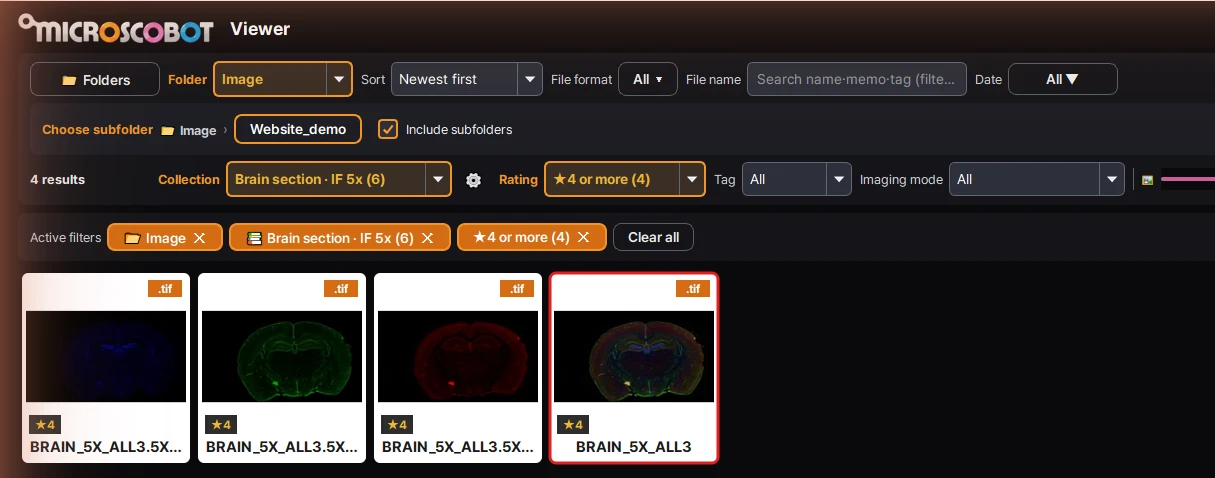
View images from all your folders in one place — sort them and manage them in collections.
Free · WindowsFile type, imaging mode, date, stars, tags — one clue is enough. What you pick stays together in a collection.
Zoom into images over 200 megapixels and move around right away. The scale bar uses the real pixel size stored in the file.
AI doesn't make your decisions; it carries out your instructions precisely. One request, several steps.
Leave your folders as they are. One clue is all it takes.
Zoom and pan through hundreds of megapixels, right away.
Files Windows Explorer can't preview — large slides and fluorescence TIFFs — show up as thumbnails.
.svsPyramid TIFF12/16-bit TIFFMultichannel TIFFOME-TIFFImageJ TIFF.tif / .tiff.jpg.png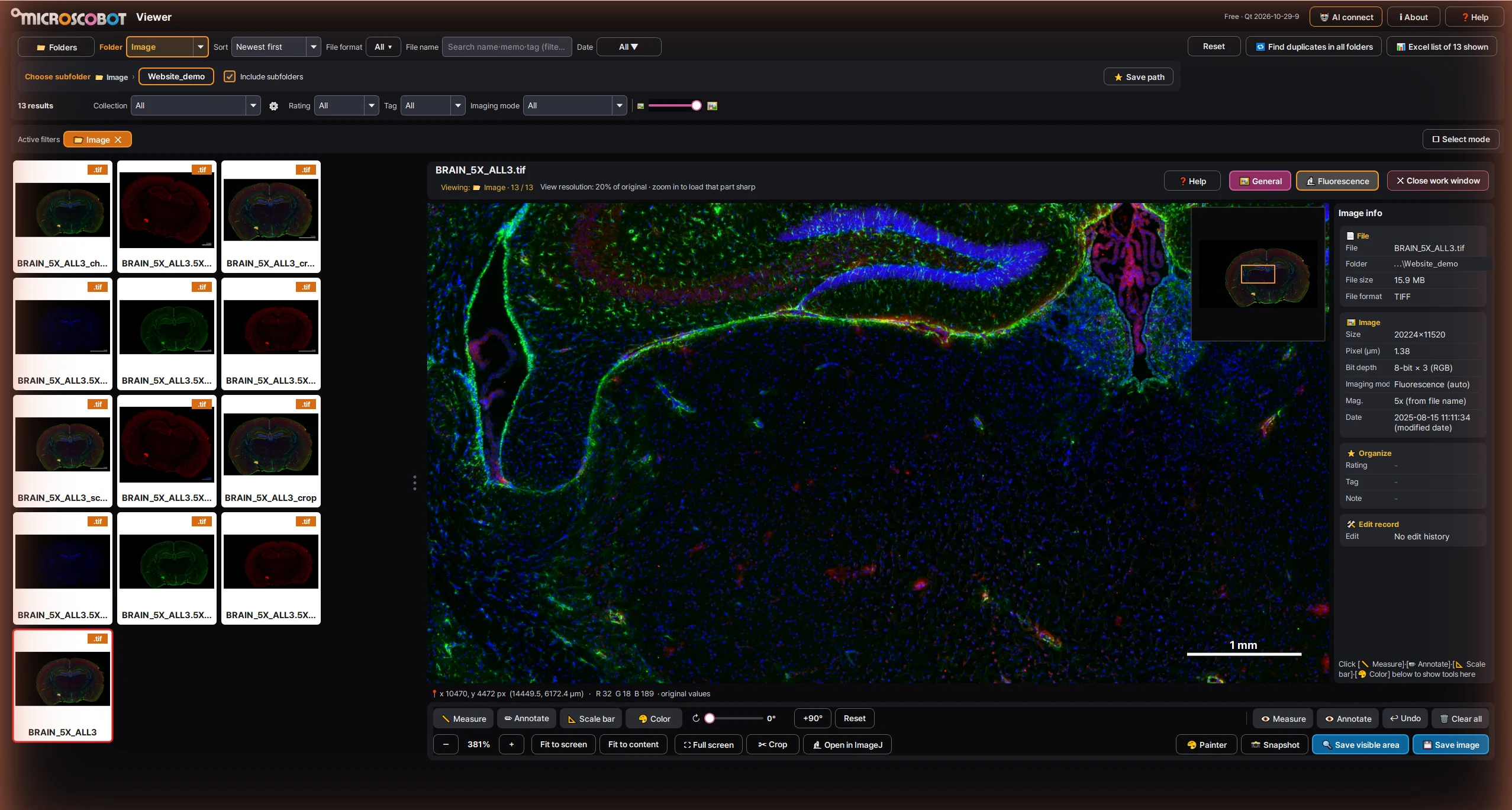
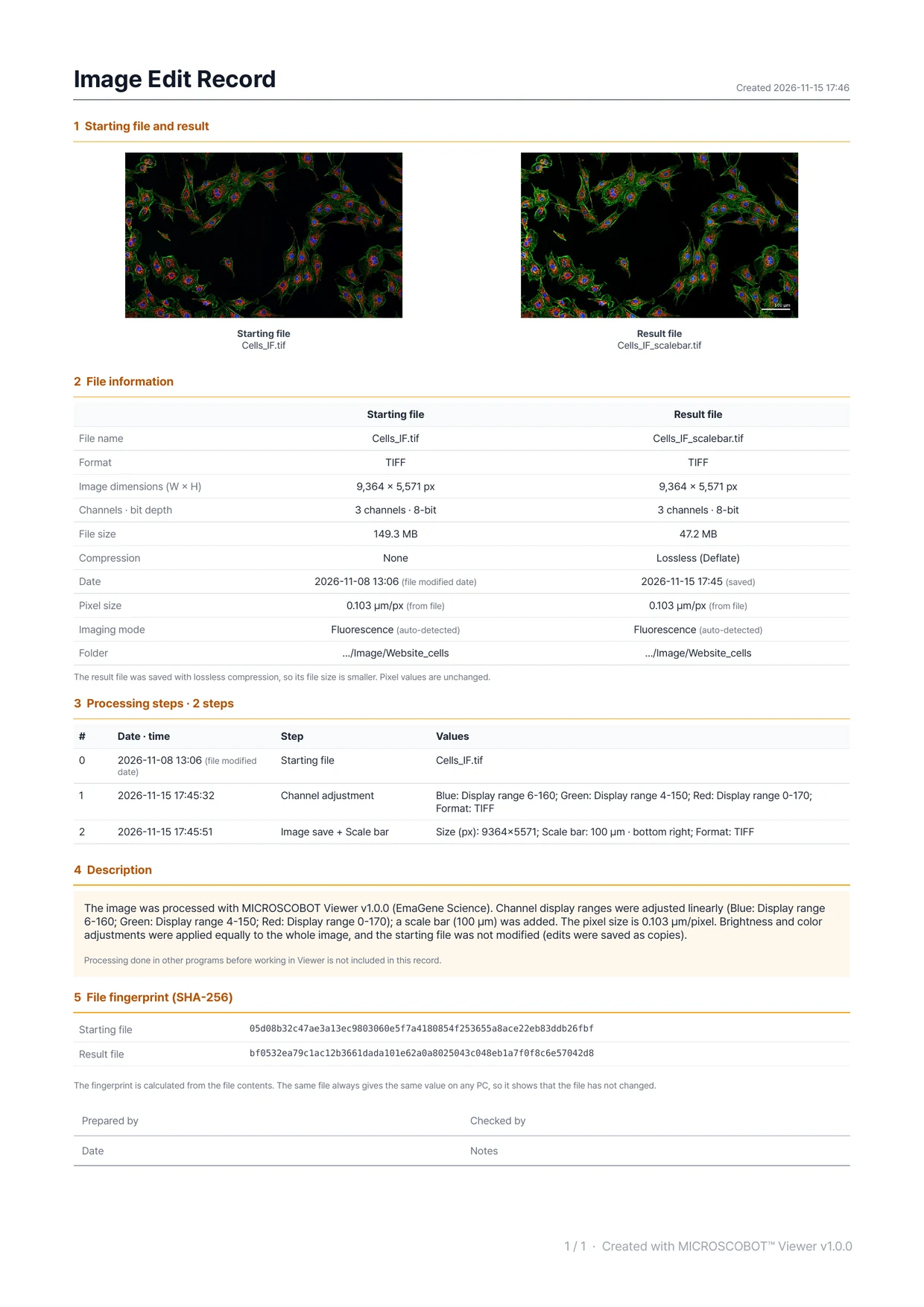
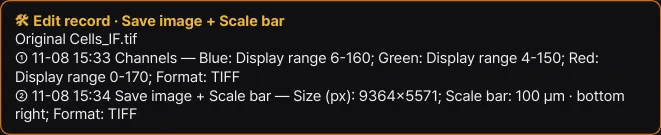
Every edit is a new copy. No overwriting, no delete button.
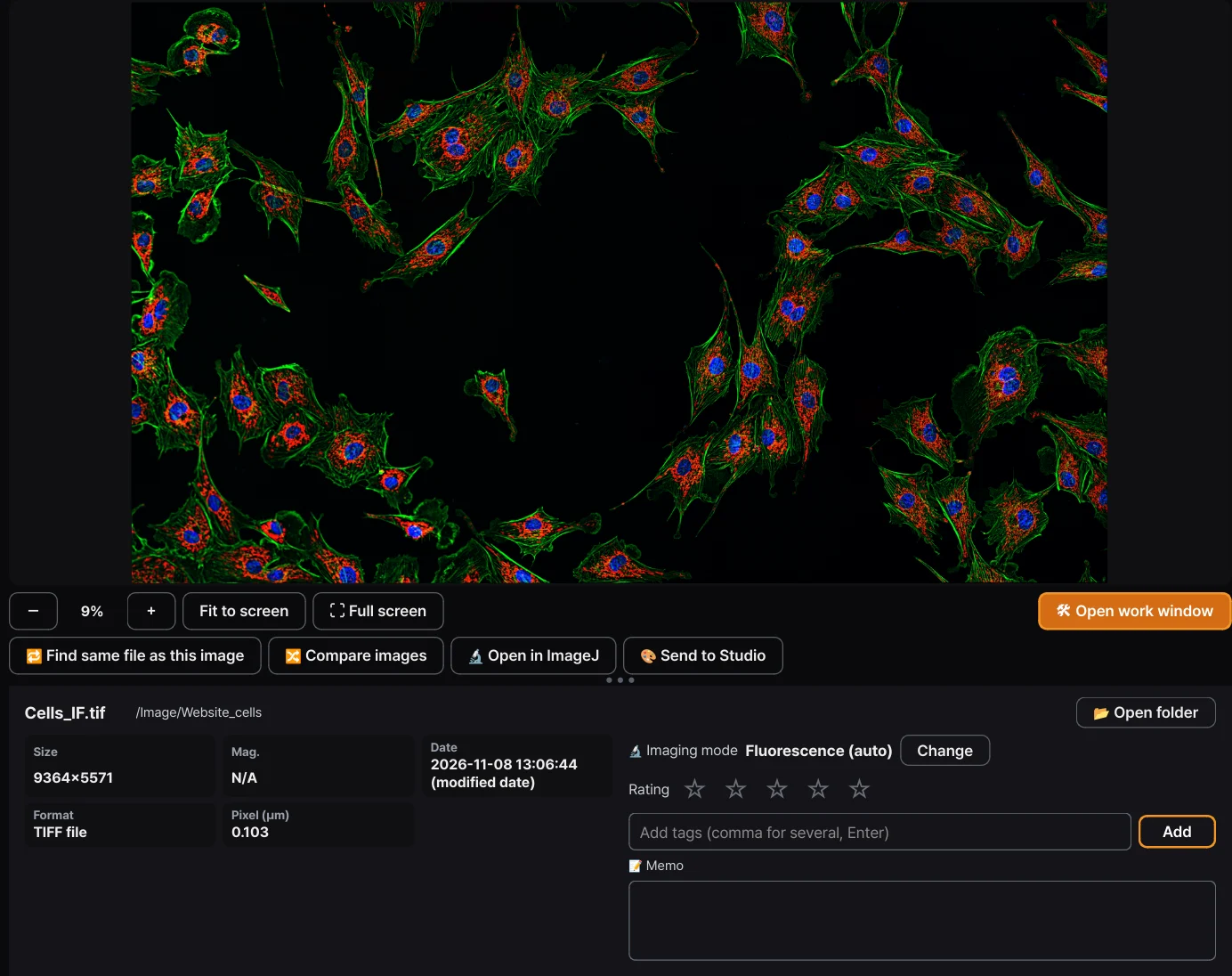 Original · untouched
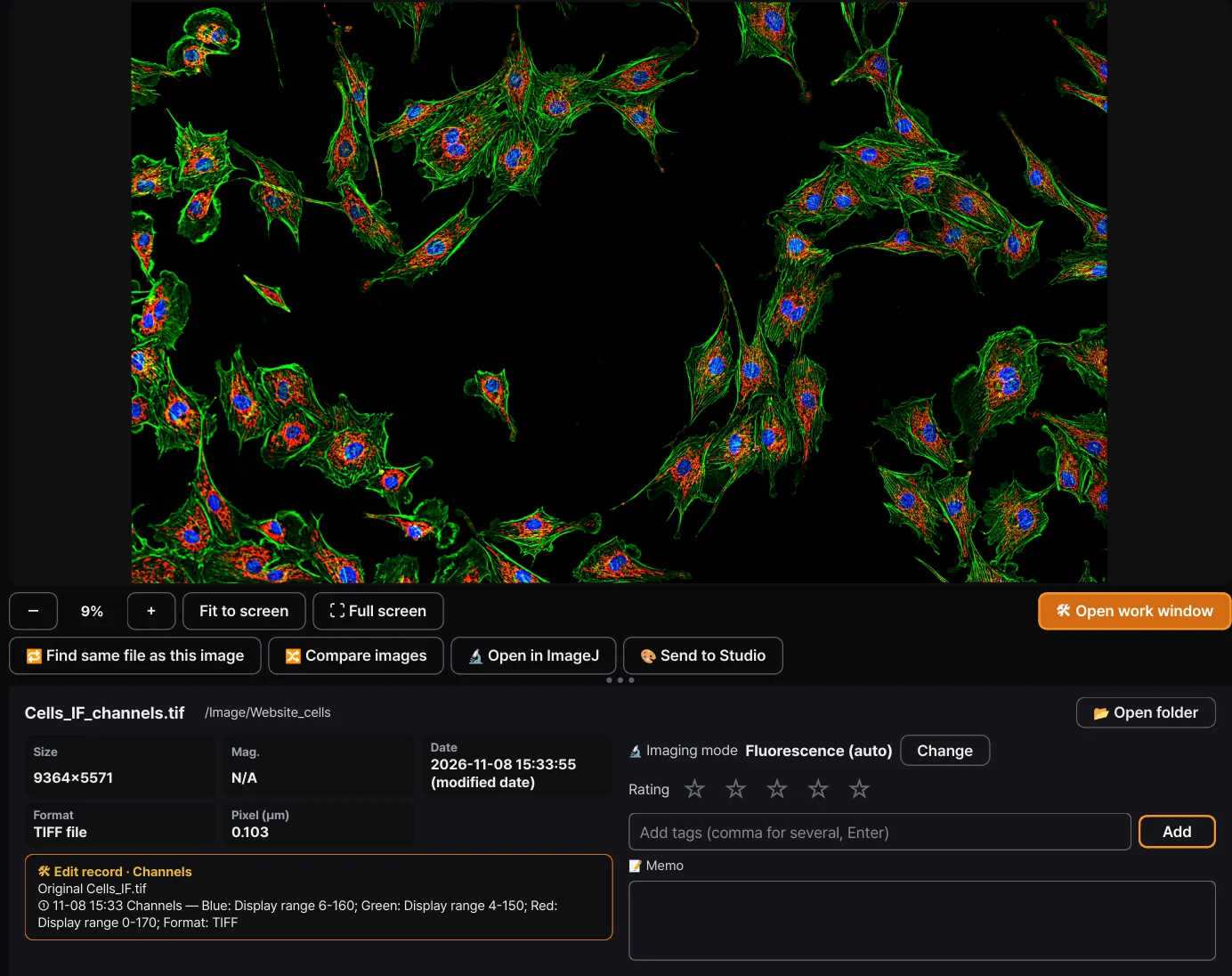 Copy · channels adjusted
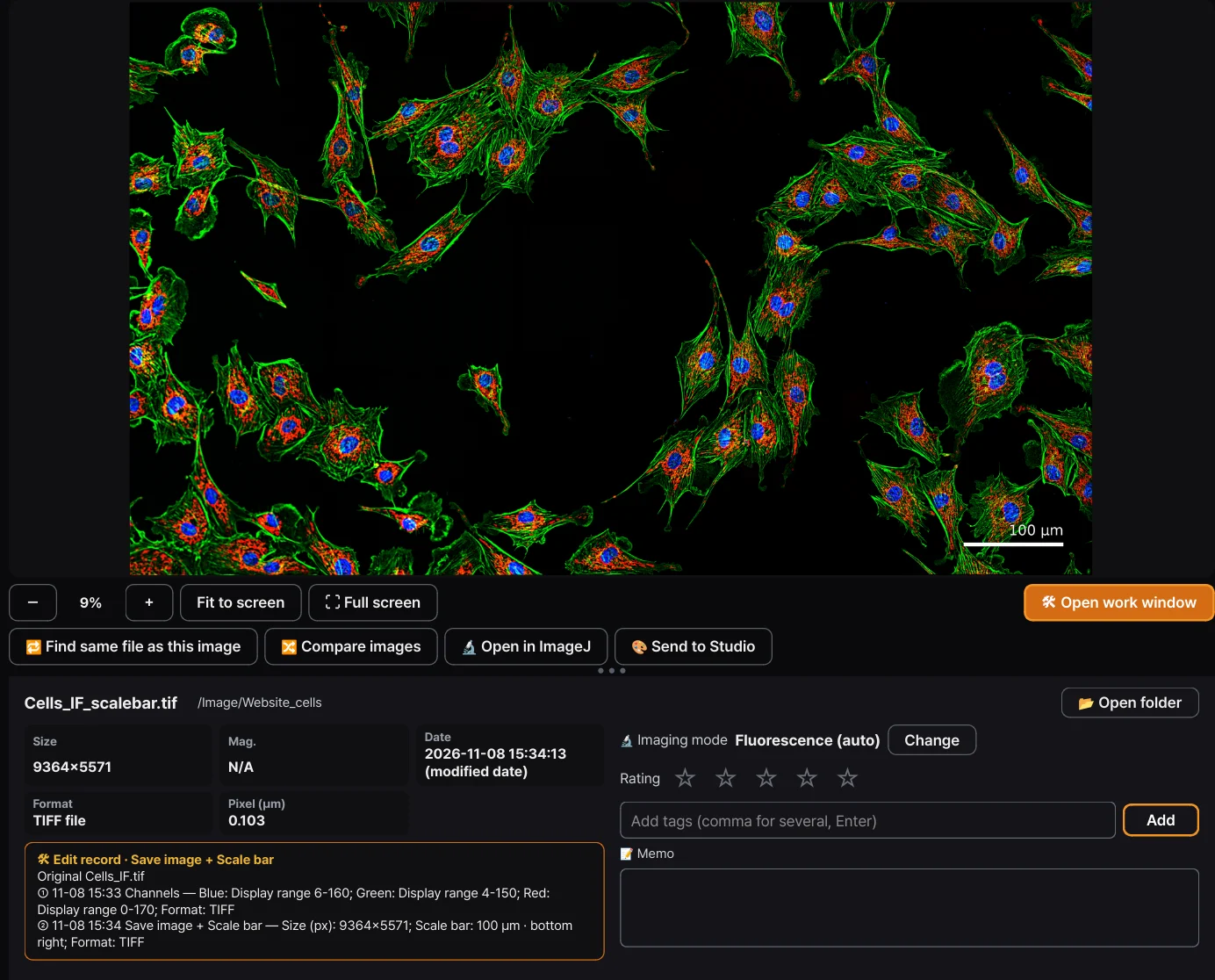 Copy · channels adjusted · scale bar

Reads and measures the original 8/12/16-bit values.
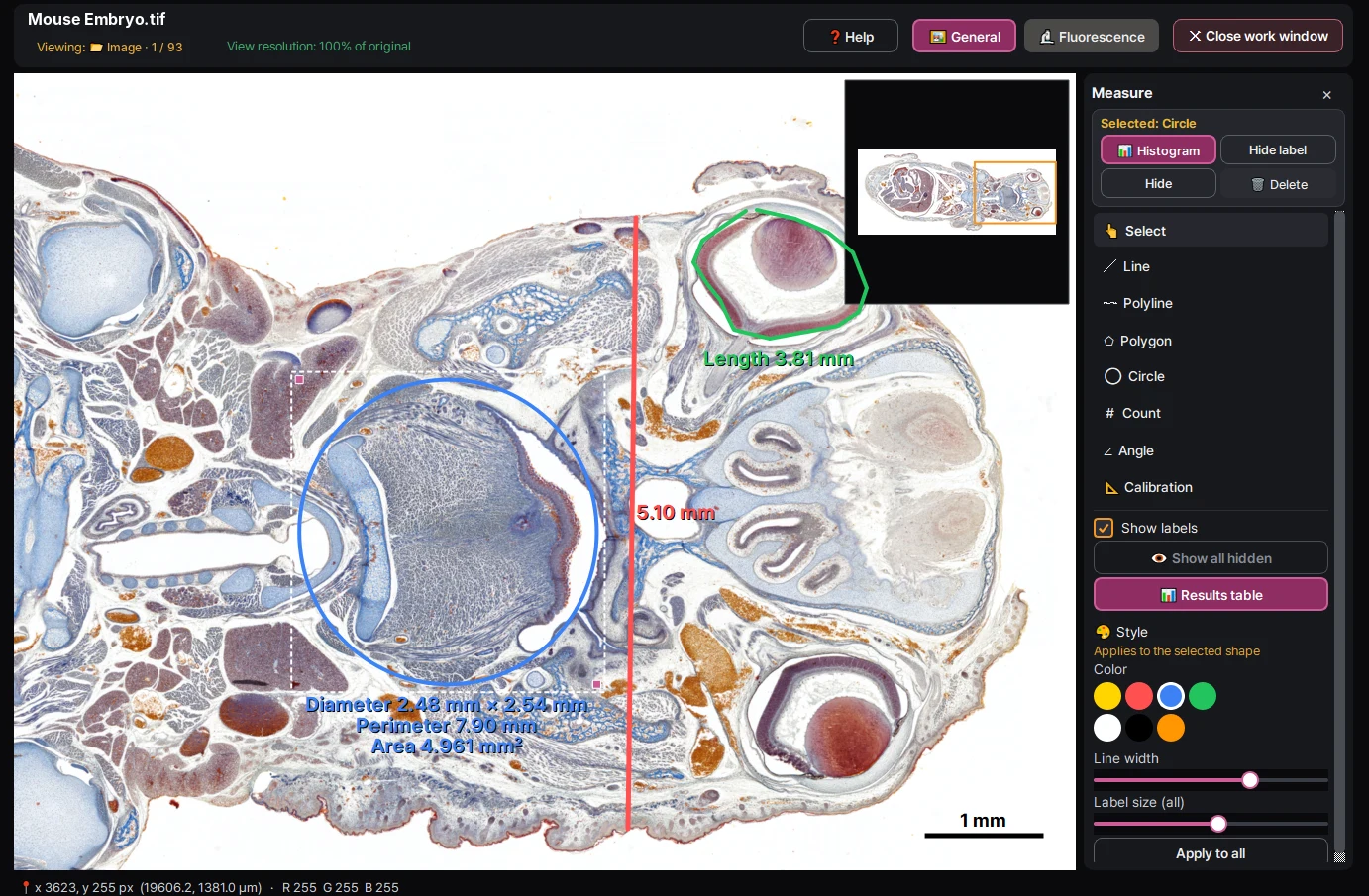
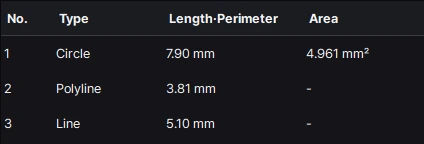
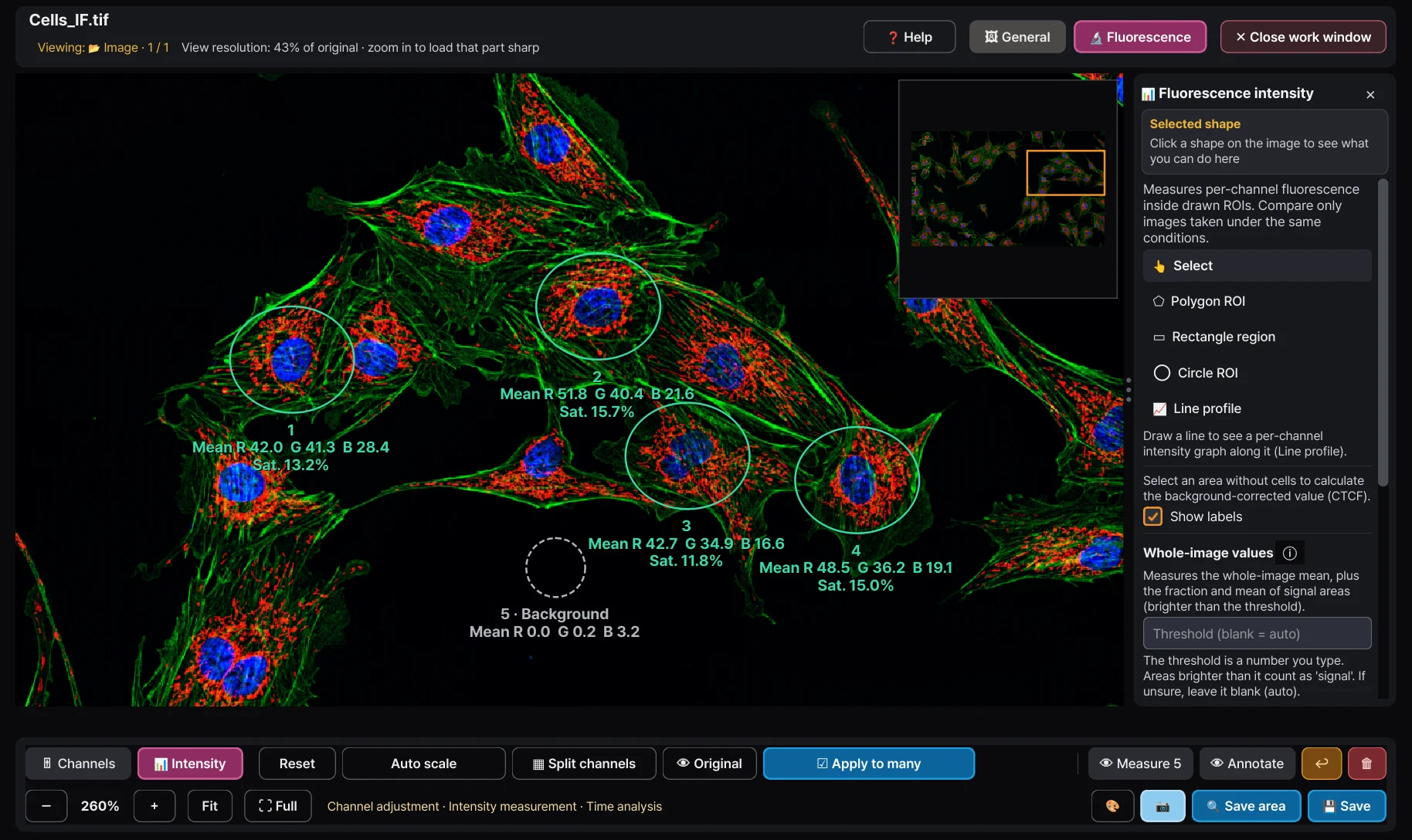
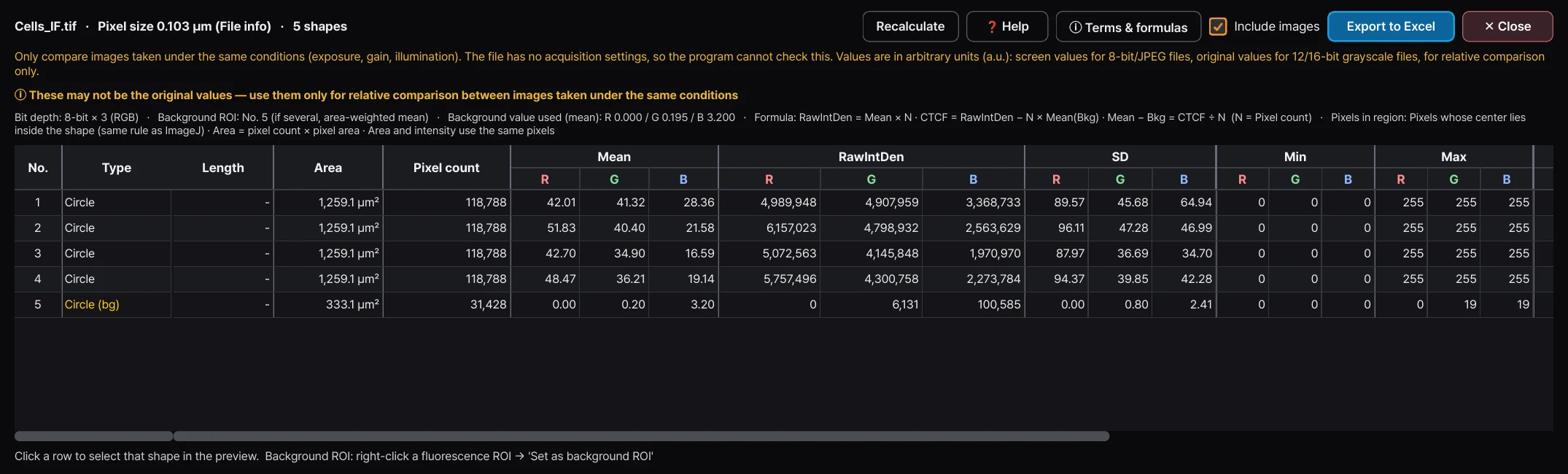
This example is an 8-bit RGB image, so screen values are used — and the table says so.
For 12/16-bit fluorescence files, each channel is measured with its original values.
AI doesn't make your decisions; it carries out your instructions precisely. Images never leave your PC.
Connects with the Claude desktop app (via the MCP standard). Every feature also works without AI.
More about AI-connected →Add scale bars and save to Excel6 images — scale-bar copies + image list
Same channel settings for the restMatched copies + settings comparison
2 controls and 2 treated, side by side2×2 comparison on one screen
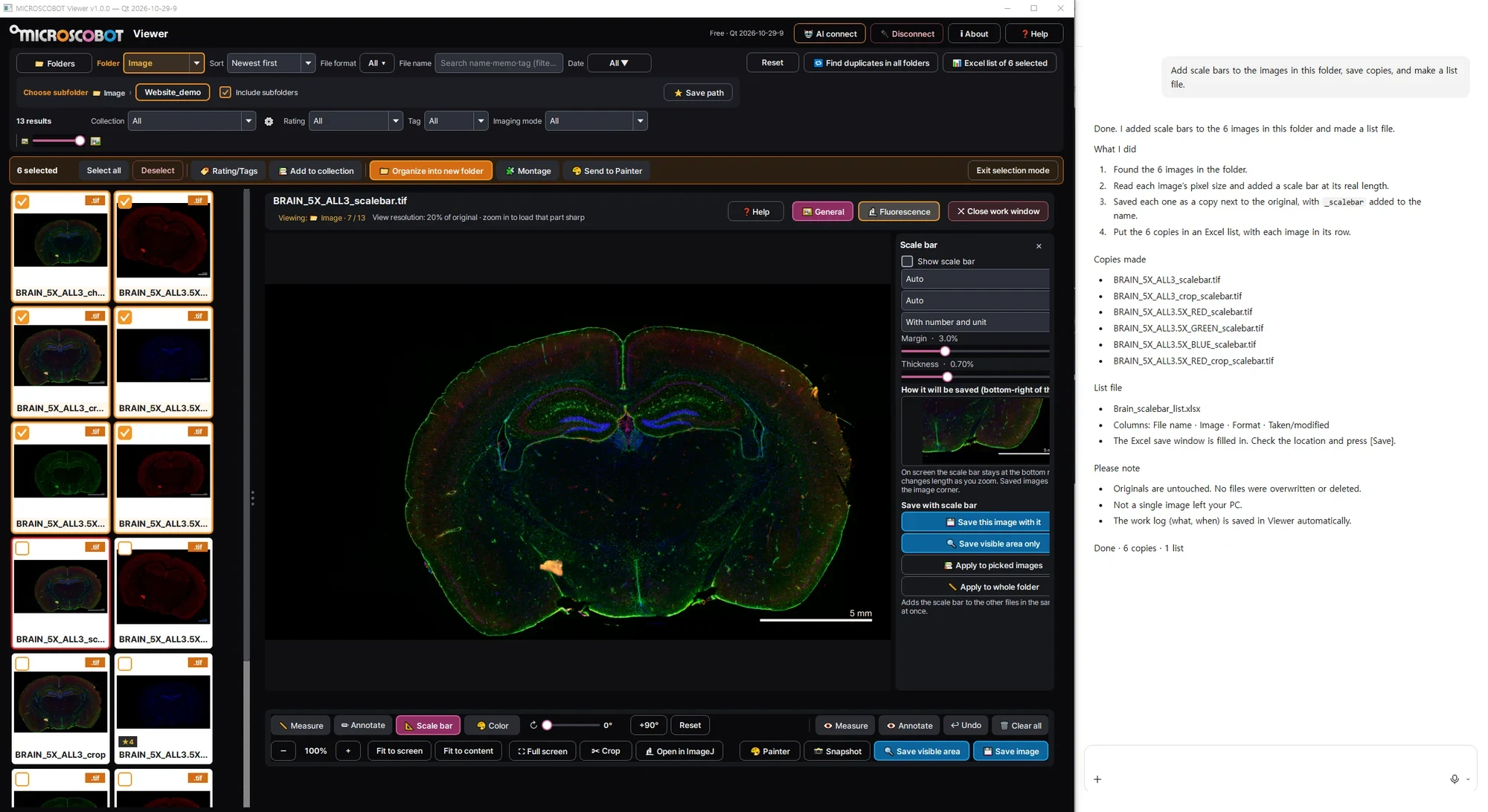
Every feature works without AI.



MICROSCOBOT is open to everyone. Even a small idea is welcome. Feel free to reach out.
✉ [email protected]